Motor Control 1
Phase 1 of creating tooling for touchdesigner-controlled stepper motors
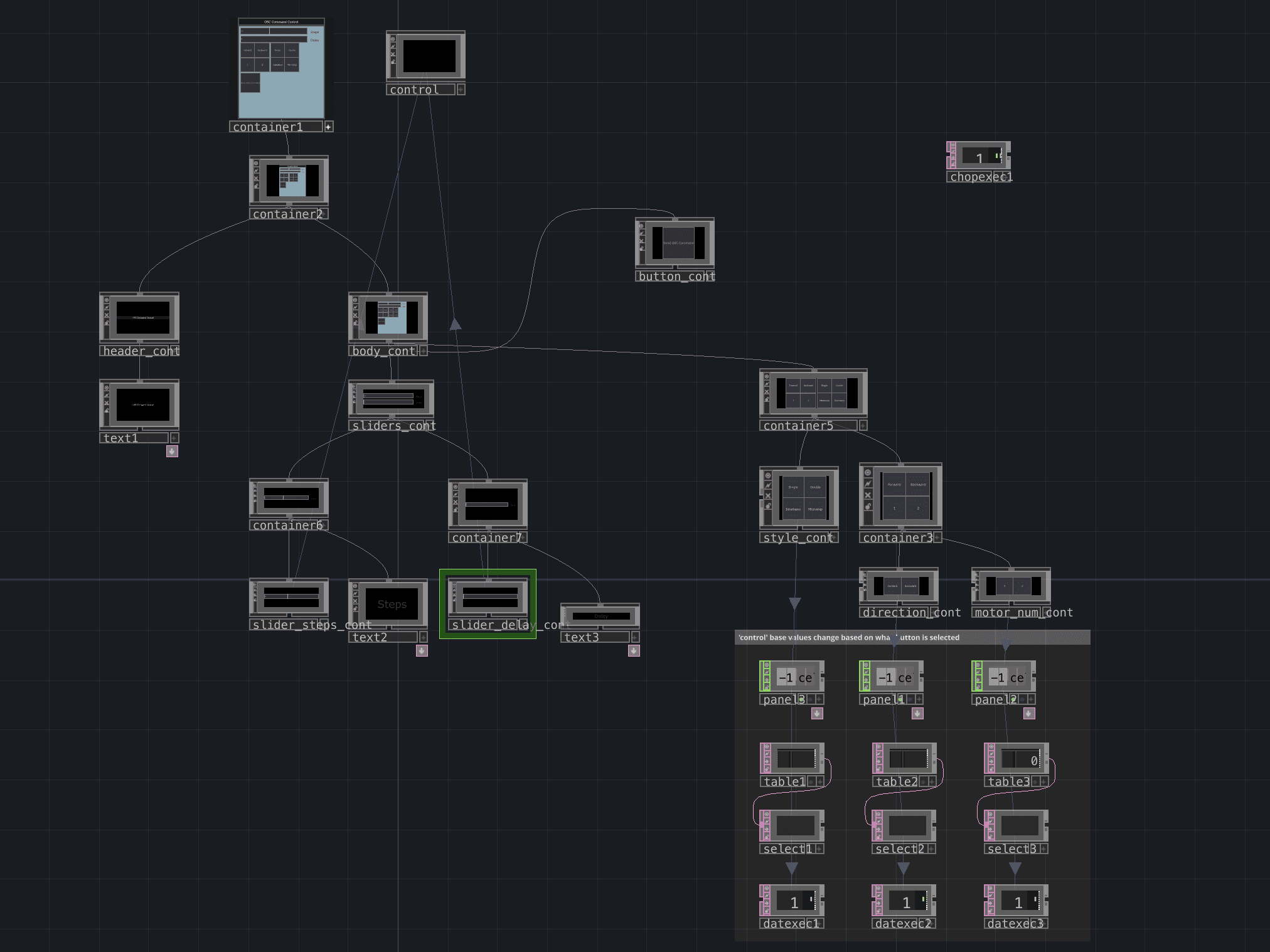
So far, this project has consisted of two major learning hurdles, which will be the two sections of this write-up. Hurdle 1 was learning the different techniques for making panels in touchdesigner do things. Hurdle 2 was the python scripting to control the motors via OSC. Along the way I learned how to format multiple channels of raw OSC, how to use a headless Raspberry Pi via SSH, how stepper motors work and their control methods, and a few other lessons.
python
The python part of this was partially an experiment in seeing how little help from gen AI would get me by in accomplishing a complex task like this. Ultimately, it took quite a bit, but the final code is cleaned up and the series of processes is fully organized by me. This first, proof of concept, version of it takes in commands like "motor 1, go 50 steps, forward, in interleave mode, with .01 seconds of delay between each step". OSC_testying.py in the github is the working version of this method.
The working test has commented sections for:
setting up the motors
defines the number of motors, creates stop flags
defining the control functions
move motor command parsing
stop flag parsing
handling the OSC
interprets the incoming commands with functions to:
parsing the address from the command
parsing the arguments form the command
checking command validity, then executing the command with the functions above
setting up the OSC server
defines ip and port
creates the dispatcher
deals with asynchronous looping for the command receiving
touchdesigner
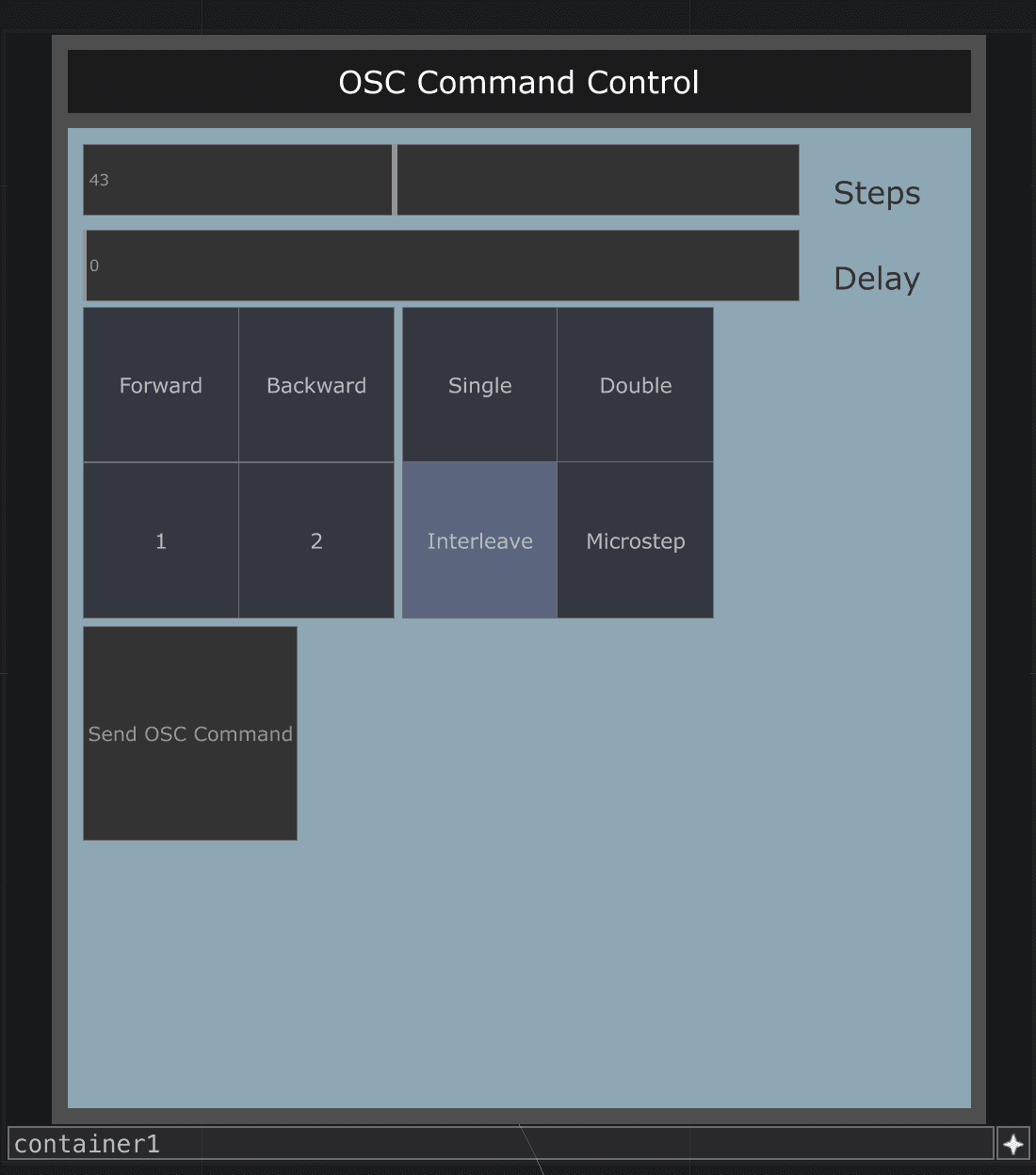
The touchdesigner .toe creates the OSC commands that get sent to the python code, using live updated data. There is a panel that has sliders and buttons to set the different parts of the command, and a button to send the command.
Next Steps
The final goal of the project is to be able to have the motors be tracking live updating data. The problem with the current version is that it works by sending single commands. This will have to be reworked to have constant touchdesigner OSC signals being sent to the python, and having the script be creating motor commands to try to get the motor position to the current desired value.