Phone-to-Garden 1
Interactive art in godot! Phone as controller!

the game, the web app:


goal/inspirations
This is the first project in what will be a series of phone-controlled interactive works intended for installation. Something I have wondered in the past while looking at interactive art is what is possible for control schema beyond audio-reactive and tracking using sensors. Control is so important to these pieces as they are embodied, but they sometimes feel diluted by the layer you have to go through for control. The realization was to have an interactive art piece that is controlled by users in a dextrous and direct way, like a video game.
Previously I have seen games like the Jackbox Party Packs and Kahoot and thought that they were on to something that could be extended further. Having users connect to one system via their phones allows for many people to comfortably have input into the system in a way that has very little setup time. Onboarding is easy and obvious, and suddenly you have many users present in a digital space and interacting with each other.
The epiphany was with the game Sunderfolk. This game is a board game styled turn based RPG. Users take turns on the game board, which is on the shared TV display. The active player can use abilities and take moves on the board from their phone, but all players always have a cursor that they can inspect the board with. Sunderfolk is very information dense and rules heavy, and a design solution enabled by the phones is that they can use their cursors to hover over game objects and see details about them, on the phone. Phones as trackpads! How obvious, how clear. Immediate onboarding since we are already familiar with trackpads, co-presence at all times as we always have the option to inspect with the cursor.
It seemed completely clear to me that this is a beautiful way to interact with a game or other system, in a situation where many people need to have simultaneous control. In a creative work where the idea is that many users are co-present, it seems a very elaborate solution. My partner suggested the Zen Garden, which seemed a great option to me since the drawing will be long curved lines, and not being able to achieve detail will not be uncomfortable to the user.
design considerations, system structure
godot
I chose to have the work be built in Godot, since I have been learning it for small games. Having a small video game be a piece of installation art has also been something that I have been interested in. Godot hosts the websocket that the web app communicates to.
web app
The web app is a simple browser page. Users will scan a QR that brings them onto the wifi, then scan a QR that brings them to the browser. They enter a name, then pick the color for their cursor. Then they are brought to the trackpad page.
game scene
I knew from the beginning that I wanted to have a water feature in the scene, something to give constant motion to the image and also to break up the monotony of a flat field of yellow sand. These zen gardens are actually traditionally called dry gardens, karesansui, and would not have water features in them. I think I can let this slide, though. The other not accurate detail is the surface being sand instead of white gravel. I tried this out and it did not read as well as sand did.
The scene is built of a few rocks with moss bases, the river, dust that scatters through the scene and falling leaves.
wind & leaves
After some iterating with options for more movement in the scene I added falling leaves to it. The leaves are a multi-mesh object that picks a random color from a set and x/z location within a certain area for them to spawn. They fall through a field of wind which is a scrolling simplex noise. The noise decides the current strength/direction of the wind and gives the sense that there are ‘pockets’ of wind flowing through the scene.
There’s a level of interaction with the leaves too. In the air (unclicked) the rakes provide some wind to floating leaves, and on the ground (clicked), the rake can push grounded leaves.
Leaves disappear after being grounded for 30 seconds. The timer resets when raked.
wifi
Using a dedicated wifi on a travel router ended up being a big upgrade for the project. It will remove on-site troubleshooting to have users join the same network. Also, it allows for much greater smoothness in the control because of the improved connection speeds and consistency.
conclusions
The plan was in all a success. The anticipated feeling of how the control scheme would work held true and the scene looks nice on the wall. User onboarding is straightforward and simple, and the control is intuitive. Users familiar with video games got going immediately, and users not familiar got going with a few sentences of explanation (specifically to use two hands to control the trackpad and press the button).
Next up is to get it set at an event where many many users can join and get some well documented high quality images of it. Here are some images from today’s demo.
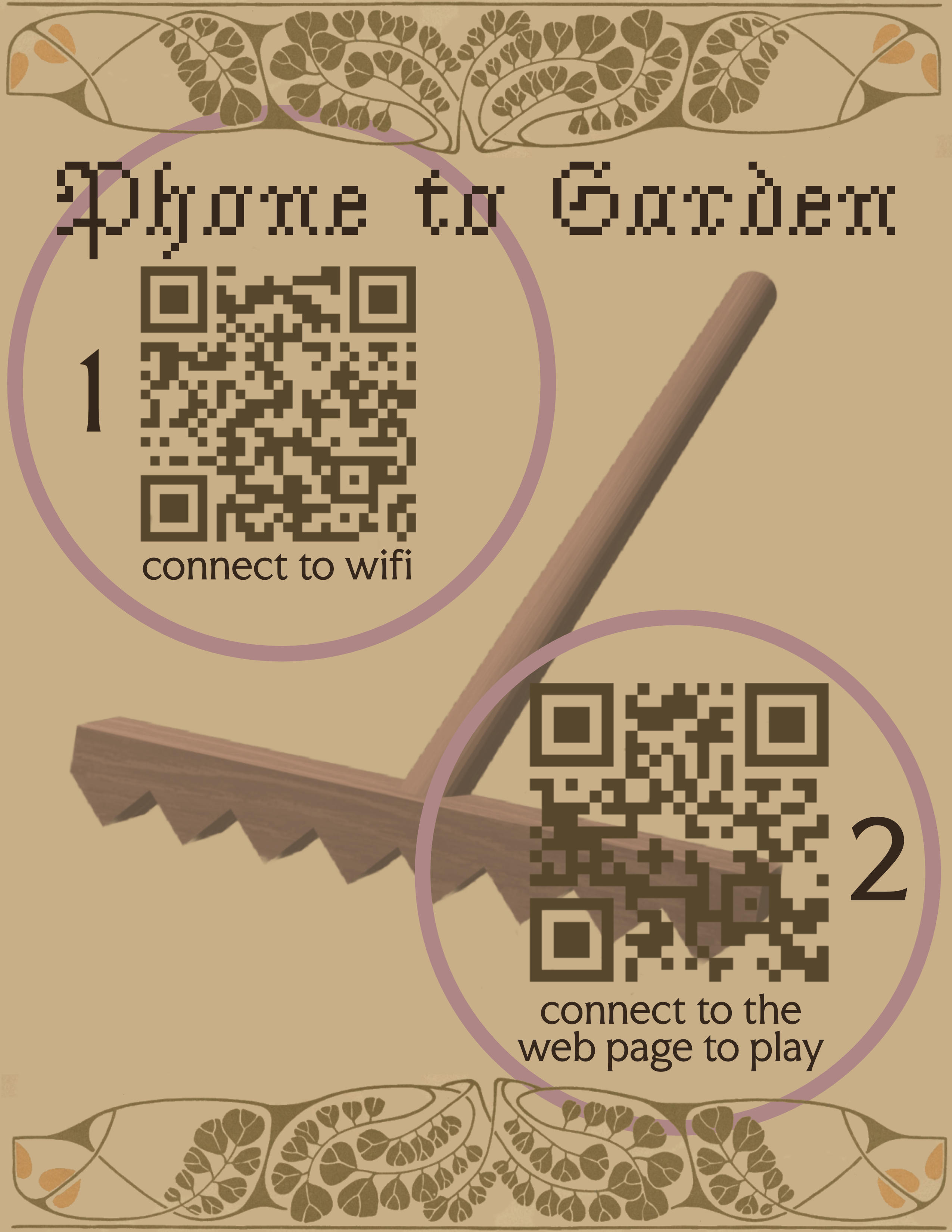
first draft of document that will on-board users ( graphic design by me :) )
rough video of controlling the game
the garden with two connected users!